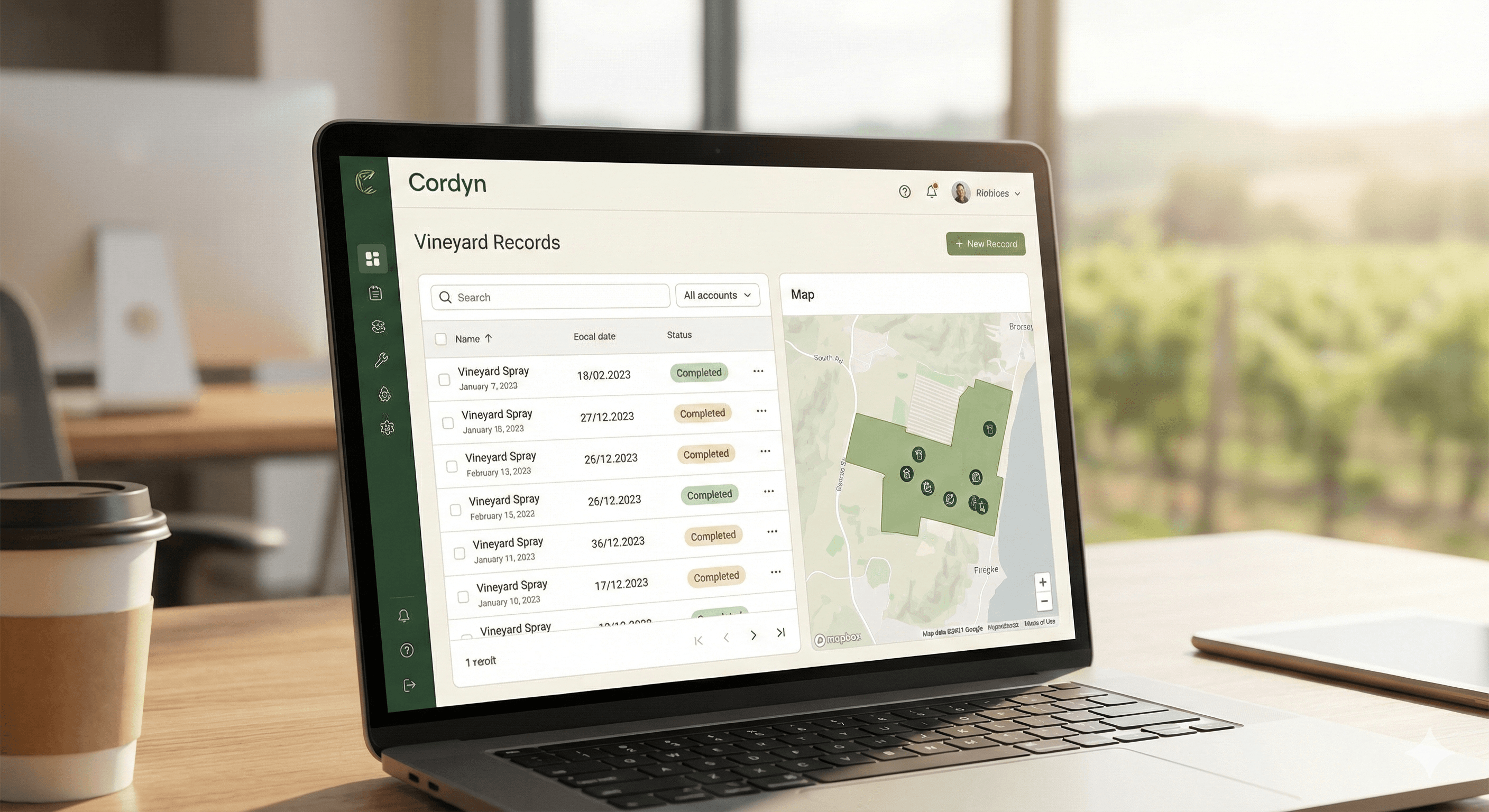
Today we're rolling out a visual refresh across the entire Cordyn platform. The changes are designed to make the interface cleaner and faster to navigate, especially for users switching between vineyard accounts.
New sidebar navigation
The main navigation has moved from a traditional full-width sidebar to a compact rail design. Hover over any icon to expand the menu and see your options. This gives you more screen space for the content that matters — your spray records, inventory, and maps — while keeping everything one click away.
You can switch between the new minimal rail and the classic sidebar in Settings → Appearance.
Updated colour palette
We've shifted to a warmer, more natural colour scheme that's easier on the eyes during long sessions. The green tones now reflect the vineyard environment the software is built for.
Refined logo
The Cordyn logo has been updated to work better at small sizes — important for the new compact navigation. You'll see the logomark (icon only) in the sidebar, with the full logotype on the landing page and login screens.
What stays the same
All your data, workflows, and settings are exactly where you left them. This is a visual update only — no changes to functionality or how you interact with the system.
Let us know what you think of the new look.